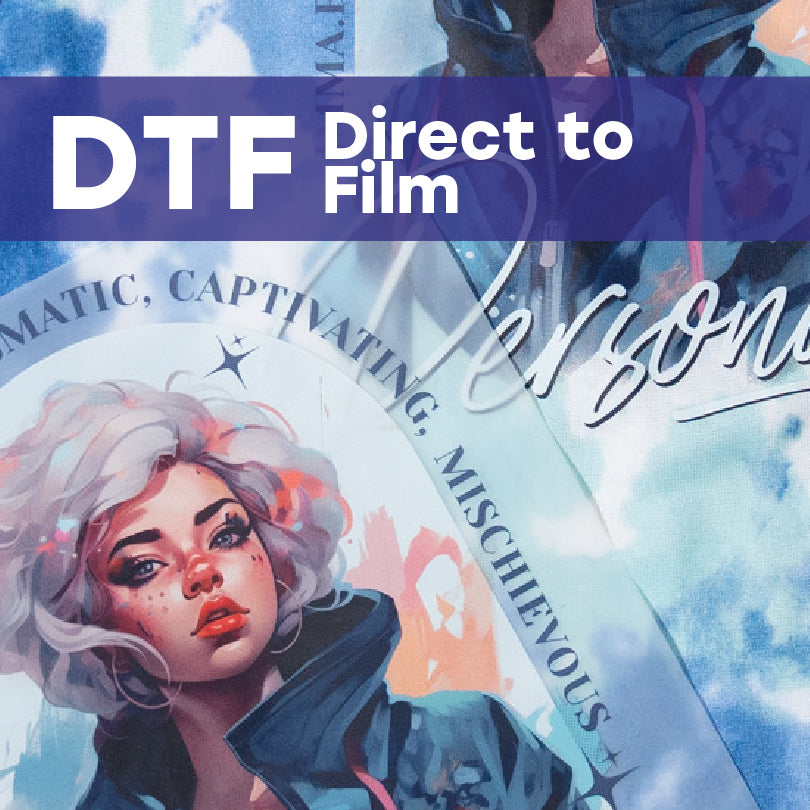
(WIP) Direct to Film (DTF) Heat Transfer

(WIP) Direct to Film (DTF) Heat Transfer

Sale price $10.55 USD
Estimated Ship Date: Tuesday, June 09, 2026
Size:12"x22"
0% Waiting to upload

Price Breakdown

Product price
Subtotal $5.00
Product Setup Fee $20.00
Final Total $25.00

Product Details:

Experience professional quality made easy by 613 Originals: the industry-leading custom transfer manufacturer.

  • Ships next day
  • Available in 40+ stock colors
  • One more super cool point

Why Choose Direct to Film Transfers?

  • No Minimums, No Limits: Order as little as one print or scale up instantly. Great for samples and personalization.
  • Custom Sheet Sizing Order pre-cut single images or gang sheets.
  • Full-Color Printing with Unlimited Detail: High-resolution gradients and fine lines.
  • Same-Day Shipping: Order by 12 PM EST, ships same day. Pick-up options also available!
  • Super Opaque Whites: Crisp, high-opacity prints on any garment color.
  • Choose Your Finish: Matte or glossy, you decide. (Post-press with teflon to add instant shine!)

Direct to Film Transfers are ideal for:

  • Small-Batch Orders: Print one-off designs or short runs with no extra cost. Become a print-on-demand powerhouse!
  • Complex, High-Detail Artwork: Sharp gradients, fine lines, unlimited colors. Unleash your creativity.
  • On-Demand Customization: Perfect for live events, drop shipping, and personalized products.
  • Hard-to-Print Fabrics & Materials: Works on nylon, leather, wood, paper cards, notebooks, and more.

Direct to Film Sheet Size and Layout Options

DTF is available as gang sheets or pre-cut single images. Here are some recommended ways you can use these sizes:

Single Image Sizes:

  • 2” x 2” - Small logos
  • 3” x 4” – Tagless labels, sleeve prints
  • 4” x 4” – Hat logos, left chest logos
  • 7” x 9” – Youth/Lady sizes
  • 10.75” x 12.75” – Adult front/back designs

Gang Sheet Sizes:

  • 22” x 12”
  • 22” x 24”
  • 22” x 48”
  • 22” x 60”
  • 22” x 120”


What are gang sheets?

You can add more than one image to the sheet. It can be the same design or different - and there’s no additional cost. We recommend adding .5" of space between each image to allow for cutting.

What’s a single image?
Great for any design intended to be applied in one area, without cutting the design apart. Your artwork can be any size, as long as it fits on the sheet size selected.

How to Apply Direct to Film Transfers for Flawless Results

Application Settings

  • Temperature: 300˚F
  • Time: 7-10 Seconds
  • Pressure: Medium to Heavy Pressure (40-60PSI)
  • Peel: Hot or Cold

Step by Step Instructions

  • Step 1: Adjust settings
    Set the timer to 7-10 seconds and the temperature to 300˚F. Adjust the pressure to max/heavy or 60PSI
  • Step 2: Load garment and place the transfer
    Lay the garment down on the lower platen, smoothing out wrinkles. Place the transfer print-side down. Cover the transfer with a Teflon sheet or parchment paper.
  • Step 3: Press the transfer for 10-12 seconds
    HOT PEEL: Peel IMMEDIATELY in a smooth, deliberate motion. Waiting, or peeling slowly may result in application issues.
    COLD PEEL: Let the transfer cool completely before peeling. Once cool, grab a corner and peel diagonally in a smooth, deliberate motion.
  • Step 4: Post-press for 3 seconds with either parchment paper (matte finish) or Teflon (glossy finish).

Shipping Information

Fast production is worthless without reliable shipping—so we make sure your DTF orders ship on time, every time.

  • Same-Day Shipping: Place your order by 12 PM EST, and we’ll ship it the same business day.
  • Standard Orders: Orders placed after 12 PM EST and before 3 PM EST ship next business day.
  • Delivery Options: Standard, expedited, and overnight shipping available at checkout.
  • Tracking: All shipments include tracking information for real-time updates.
  • Use Your Account Number: Ship on your own account and save even more.

Artwork Requirements for Production

Quality prints start with quality artwork. Follow these guidelines when submitting your designs:

  • Accepted File Types: PDF, AI, PSD, EPS, PNG, JPG, SVG, and TIFF.
  • The Right Size: We will print your artwork at the size submitted.
  • Line Thickness: Printing areas of color should be at least 3pts to ensure opacity when applied. Standalone white areas must be at least 1pt positive to print consistently.
  • RGB or CMYK Color Space: Artwork can be created and saved in a RGB or CMYK color space. For more saturate graphics, we recommend submitting in RGB. Ensure any areas of artwork intended to print as WHITE are white in the artwork.
  • Vector or Hi-Res: Vector files preferred. Raster files are accepted and we recommend high resolution files (300 DPI or higher).
  • Outlined Fonts: Avoid font concerns by converting all fonts to outlines (or curves).
  • No Backgrounds: Remove any backgrounds or unwanted elements from your artwork.

Want to learn more?
Click here for detailed artwork tutorials.

What Can You Decorate with Direct to Film Transfers?

Original Transfers are engineered for versatility, offering exceptional adhesion and durability across a wide range of fabrics. Whether you’re printing for events, sportswear, or quick-turn projects, this high-opacity transfer delivers consistent, professional results.

  • 100% Cotton, includes t-shirts, bags, sweatshirts, dresses, skirts, banners, tablecloths, and more! Popular t-shirt choices include Gildan G500 T-Shirt and Gildan Softstyle G240.
  • 100% Polyester, including jerseys, pinnies, polos, bags, jackets, umbrellas, flags, and more.
  • Cotton/Polyester Blends including t-shirts, sweatshirts, sweatpants, tanks, jackets, and more.
  • Neoprene, including can coolers, laptop bags, coffee sleeves, and more.
  • Pro Tip: Maximize profits by applying the same transfer on multiple products.